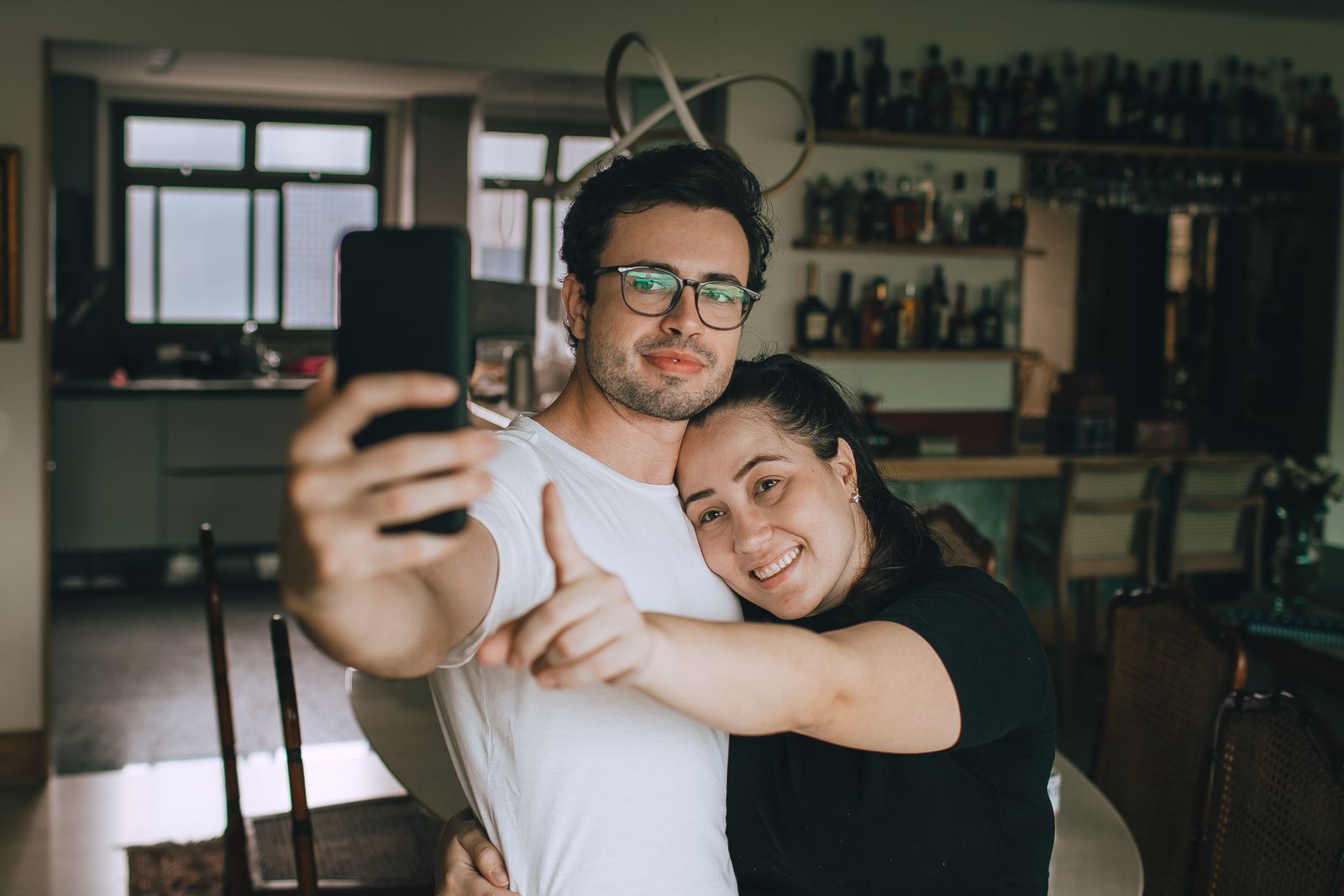
The phone has captured the windowsill, half a shoulder and a very clear picture of the plant. You both moved into place just after the timer finished. The plant looks excellent.
Learning how to take couple photos by yourself begins with a setup you can test before posing. A phone you already own may be enough. Choose somewhere comfortable, leave yourselves time to get into the frame and decide how many attempts you want. The aim is a photograph you both like keeping, with enough of the afternoon left to enjoy it.
Agree what you want the photograph for
Ask whether this is a private keepsake, a picture to send family or something you might post. Those are different invitations. “Shall we take a few photos for us, then choose together if any go online?” keeps the later decision open. Agree a short stopping point so one person’s enthusiasm does not become the other’s unexpected photoshoot.
Choose clothes you are comfortable wearing and a place you can reach easily. Seated photographs are an option, not a compromise you need to explain. You can keep some space between you, look away from the camera or choose a photograph of your shoes beside each other if faces do not appeal.
If one person wants no photographs today, accept the answer. You can remember an outing without documenting it. A pose, a kiss or a public post should never be the price of having a nice day together.
Give the phone a steady place and check the frame
Use a suitable phone holder or tripod if you have one. Otherwise choose a secure, level place that will hold the phone without sliding or falling. Test its stability before walking away. Keep it within sight, away from edges and clear of paths other people need to use. A precarious stack of belongings is a reason to choose another spot.
For an ordinary portrait, start with the phone facing you at a comfortable height. Ask one person to sit or stand where the picture will be taken while the other checks the preview. Leave space around both people, including the second person’s intended position. Look for a distracting object behind a head or private information in the background.
Use the preview to compare a couple of nearby positions. If a window or bright sky makes your faces hard to see, turn towards a different direction or try another spot. Take a test picture and inspect it. You do not need one supposedly ideal angle or a particular time of day to begin.
Share the practical work: one person can place the phone, the other check the background and choose where to sit. Take turns choosing the next picture instead of appointing one director for the whole session.
Test the self-timer before asking anyone to pose
On iPhone, Apple’s current guide says to open Camera, reveal Camera Controls (or swipe up from the camera modes), choose Timer, select a delay and press the shutter. On Pixel, Google’s selfie guide describes opening Camera, tapping Settings, choosing a three- or ten-second timer and pressing the shutter. These are device-specific instructions, checked on 10 October 2026; use the manufacturer’s guide for your model and software if the screen differs.
Choose a delay that gives you time to move into place comfortably. Try one practice shot with no pressure to smile. If getting back to the phone is awkward, use a compatible remote you already have or ask someone you trust to help. You do not need to buy an accessory before trying a simple selfie.
For focus, Apple describes tapping the screen where you want the focus area and adjusting exposure beside it. Set up with one person in position, take a test shot, then check that both faces are clear in the saved image. Recheck after moving yourselves or the phone; a countdown does not guarantee focus.
If your camera records motion or sound as part of a photo, check its setting before starting. Agree whether that extra recording is welcome. Keep device instructions nearby, then put the searching aside once you have a setup that works.
Source:Apple: camera timer, focus and exposure controls;Google: the Pixel selfie timer
Choose one of these five starting poses
Use a small action rather than the instruction “look natural”. Choose whichever of these original prompts feels comfortable and change it freely. Touch is optional in every version.
- Side by side: sit or stand next to each other, with hands wherever comfortable. Look at the camera for one shot, then towards each other for another.
- Two views of the same thing: look towards a tree, a view or an object you both chose. Keep your bodies still while the timer runs; let the setting be part of the picture.
- The shared object: hold a book, map or mug between you if it belongs naturally in the moment. Decide who holds it and check that it does not hide a face.
- A little space: sit at opposite ends of a bench and turn slightly towards each other. You can show being together without being pressed together.
- One ordinary detail: frame your hands beside your cups, your shoes on the path or the picnic you brought. Leave identifying details out if you want the image to stay anonymous.
Try a short shoot with a clear finish
For a manageable first attempt, choose one place, one starting pose and a few timer shots. Check the first saved picture together before continuing. Change one thing at a time, such as the phone’s position or where you sit, so you can see whether the change helps.
Then let the other person choose the next pose, or finish there. An invitation such as “One more sitting down, then shall we put the phone away?” is easier to answer than repeated requests for just one more. Anyone can stop sooner.
When reviewing, describe the picture rather than judging someone’s body: “The top of the frame is cutting your head off” gives you something to adjust. “Why do you always look awkward?” does not. You can have different favourite images without persuading either person to accept a photograph they dislike.
Choose what to keep, edit and share together
Begin with simple edits if you want them: crop distracting space, straighten a tilted horizon or adjust brightness. Apple’s Photos guidance explains these controls. Review the result together before adding filters or changing someone’s appearance. An edit that looks pleasing to you may feel unlike them.
Ask about the specific image, audience, caption and tags before posting: “Would you be happy for this one to go on my account, with this caption?” Agreement to take photographs does not settle permission to publish every shot. Keep the private favourites private, and respect requests not to share.
Check what the photograph reveals: a house number, a work badge, someone else in the background or a recognisable location. If you need to remove location information, consult the sharing instructions for your device or app rather than assuming a crop removes it.
Finally, put the phone away. Perhaps the plant’s portrait stays in the album as well. It can remind you of the afternoon before either of you figured out the timer.